Have you ever stopped to notice how many sales happen every single day right through WhatsApp? It's no exaggeration: people are selling meal preps, secondhand clothes, online courses, handmade goods, beauty products, and even car parts over chat. No website, no complicated system, nothing that looks like a "real" store. Just a phone, the app, and a good conversation. If you want to start selling this way — or you're already selling but still collecting cash by hand or through Pix on the fly — this article is for you.
Why WhatsApp became a point of sale
Brazil has over 170 million active WhatsApp users. It's the most-opened app in daily life, way ahead of any social network or marketplace. That means your customer is already there, with notifications on, used to replying to messages within seconds. Unlike a store on Instagram or Shopee, where the customer has to "find" you, WhatsApp conversations are direct and personal.
Another important point: message open rates on WhatsApp are insane compared to email. Anyone who's tried selling through email knows that most messages disappear without a reply. On WhatsApp, people see it, react, and often respond right away. For anyone starting from scratch, that dramatically shortens the gap between "pitching" and "closing."
Regular WhatsApp or WhatsApp Business: which one should you use?
If you're going to sell, use WhatsApp Business. It's free, available for both Android and iPhone, and built specifically for people running a business — even a small one. The difference from regular WhatsApp goes well beyond the name on the screen.
With Business, you create a business profile with your address, hours, website (if you have one), and a description of what you do. You can also build a product catalog directly in the app, with a photo, price, and description for each item. Customers can browse the catalog without leaving the chat and pick exactly what they want. On top of that, you get quick replies (pre-written responses to your most common questions), automatic away messages, and labels to organize contacts by status — things like "new order," "awaiting payment," and "delivered."
Setting it up is straightforward. Download the app, register your phone number (it can be the same one you already use, if you prefer), and fill in your business info. You'll be up and running in under 20 minutes.
Building your catalog: the "menu" of your store
The WhatsApp Business catalog is essentially your storefront window. Each product or service becomes a listing with a photo, name, price, and short description. When someone messages you, you can simply send them a link to the catalog or to a specific product — no need to spam photos one by one in the chat.
To add a product, open WhatsApp Business, go to Settings, then Business Tools, and then Catalog. Tap the button to add an item, upload a photo (a good shot with decent lighting makes a huge difference), add the name, price, and a clear description. That's really all there is to it.
A few practical tips to make your catalog actually convert:
- Clean, well-lit photos: you don't need to be a photographer, but a white or neutral background goes a long way. Natural light near a window works great.
- Show the price: customers who have to ask for the price often give up before they get an answer. Put the value right there, even if it's "starting at."
- Short, to-the-point descriptions: available sizes, material, flavor, delivery time. Whatever the customer needs to know before buying.
- Keep it updated: out-of-stock items in your catalog lead to frustration. Mark them as unavailable or remove them until you restock.
How to accept payments without the headache
This is where a lot of people get stuck. The good news is that accepting payments on your phone has gotten genuinely simple over the past few years, especially with Pix.
Pix is still the most straightforward option: you share your key (CPF, email, phone number, or random key) and the money hits your account instantly, any day, any time. For small sales and for anyone just starting out, it's perfect. The only thing to watch out for is confirming the payment before releasing the product or service.
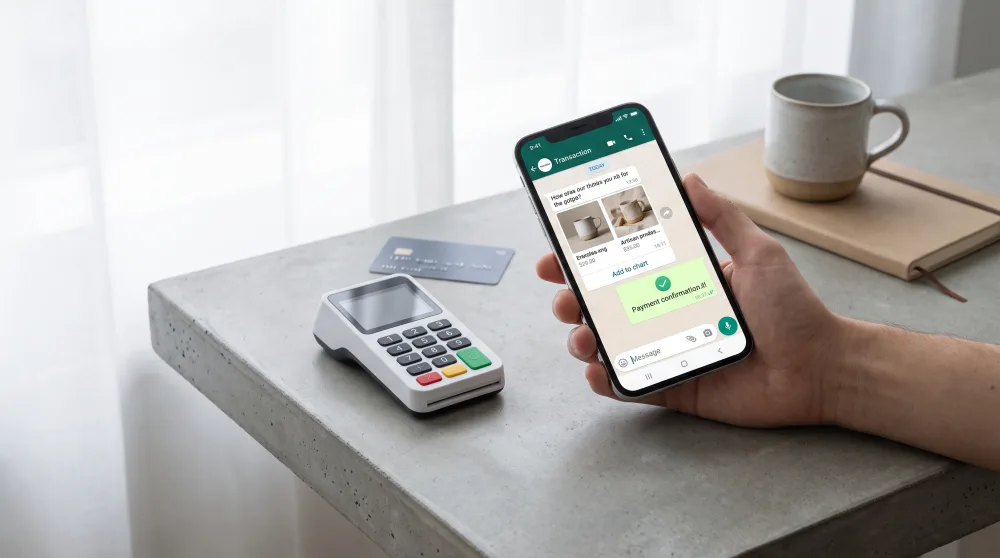
But what about credit cards? A lot of people want to pay in installments, and if you don't accept cards, you lose sales. For that, there are solutions that work entirely from your phone, no card reader required:
- Payment links: you generate a link through your bank or platforms like Mercado Pago, PagSeguro, or Boa Compra, send it in WhatsApp, and the customer pays with a credit card, debit card, or Pix through the link. Simple as that.
- Card readers: if you also sell in person, a basic card reader from Mercado Pago, Stone, or InfinitePay costs very little or comes free and connects to your phone via Bluetooth or through the app itself.
- WhatsApp Pay: WhatsApp itself has a built-in payment feature available in Brazil. Customers can pay directly in the chat without leaving the app. It's not quite as popular as Pix yet, but it's there and it works.
For anyone who wants something a little more organized, Mercado Pago is worth a close look. The account is free, you can generate payment links with installment options, you get a clear transaction history, and you can even send invoices with due dates — handy if you sell with future delivery or offer monthly services. All through the mobile app.
And how do you keep track of sales?
In the beginning, a simple Google Sheets spreadsheet does the job just fine. Log the customer's name, product, amount, payment method, and date. It sounds basic, but having that record prevents confusion at the end of the month and helps you calculate your actual profit. If you want something more visual, apps like Nibo or Granatum have free plans designed for small businesses.
Tips for selling more without being annoying about it
Selling on WhatsApp has a delicate side: it's easy to cross the line from "helpful" to "pushy." Nobody wants to get promotional messages all day long. So how do you get the word out without driving customers away?
The main tool for that is broadcast lists. They let you send a message to multiple contacts at once, but each person receives it individually — as if it were a personal message. It's completely different from a group, where everyone sees each other's conversations. One important detail: the recipient only gets your message if they have your number saved in their contacts. So always ask new customers to save your number when you start chatting.
Other practices that help without irritating people:
- Reasonable frequency: one or two messages a week to your list is plenty. More than that starts to feel like spam.
- Content people actually care about: new products, real promotions, tips related to what you sell. Skip the generic "good morning" messages.
- Reply fast: response time is one of the biggest conversion factors on WhatsApp. A customer who waits more than an hour has often already bought from someone else.
- WhatsApp Status: use it to showcase new arrivals, behind-the-scenes moments, and customer testimonials. Anyone who follows you is already interested, and Status shows up quietly without feeling intrusive.
One thing that makes a real difference and most people skip: ask for a review after the purchase. A screenshot of a happy customer shared in your Status or saved as an Instagram highlight is worth more than any ad. Social proof is the fuel that drives sales in the digital world.
Common mistakes people make when starting out
There are some stumbles that come up again and again for people building their operation. Better to know them now so you can avoid them.
The first one is mixing your personal number with your business number. It might seem like a minor thing, but when a customer messages you at 11 PM expecting a response and you don't reply because you're asleep, it hurts your brand. With WhatsApp Business, you set your business hours and turn on the automatic away message, which already lets the customer know when they'll hear back from you.
Another classic mistake is not having a set price. "Message us to find out the price" turns customers away. Transparency builds trust, and trust closes sales. If you're hesitant to post prices publicly, at least put them in the catalog where anyone already in contact with you can see them.
Finally, a lot of people forget to get the shipping address and confirm payment before sending out the product. It might feel like distrust, but it's actually professionalism. Set those expectations from the very start of the conversation and customers will understand it as part of the process.
The next step after you get going
When sales start picking up, WhatsApp alone will start to feel limiting. You'll want a fixed link to share (like wa.me/yournumber, which WhatsApp offers for free), maybe a polished Instagram profile with your products, and eventually — when it makes sense — a simple online store through platforms like Nuvemshop or Loja Integrada, both of which have free plans to get started.
But that comes later. Right now, the first step is concrete: download WhatsApp Business, build your catalog with at least five products or services, set up your Pix key and a payment link through Mercado Pago, and share your catalog with ten people who already know you. Sales start with simple action, not a perfect plan.