You're on the subway, trying to send a message on WhatsApp, and the signal vanishes. The app just spins, the message won't go through, and you get to work without having replied to anything. Sound familiar? It's one of the most common complaints from public transit riders in major cities, and the cause has nothing to do with your carrier or your phone being temperamental. There's actual physics involved, and understanding why it happens can help you make smarter decisions before you even step onto the train.
Why does the signal drop underground?
Cell phone signals travel through the air as radio waves. Those waves need a reasonably clear path between the carrier's antenna and your device. When you head down into an underground station, the earth, concrete, and all the metal structures of the tunnel act as a physical barrier. The signal simply can't punch through all of that with enough strength to hold a stable connection.
It's similar to what happens when you step into an elevator and a call drops. The metal surrounding the elevator blocks the waves. In the subway, it's even more extreme: you've got meters of concrete, rails, cables, and metal structures in every direction. Without dedicated infrastructure installed inside the tunnel itself, no signal stands a chance.
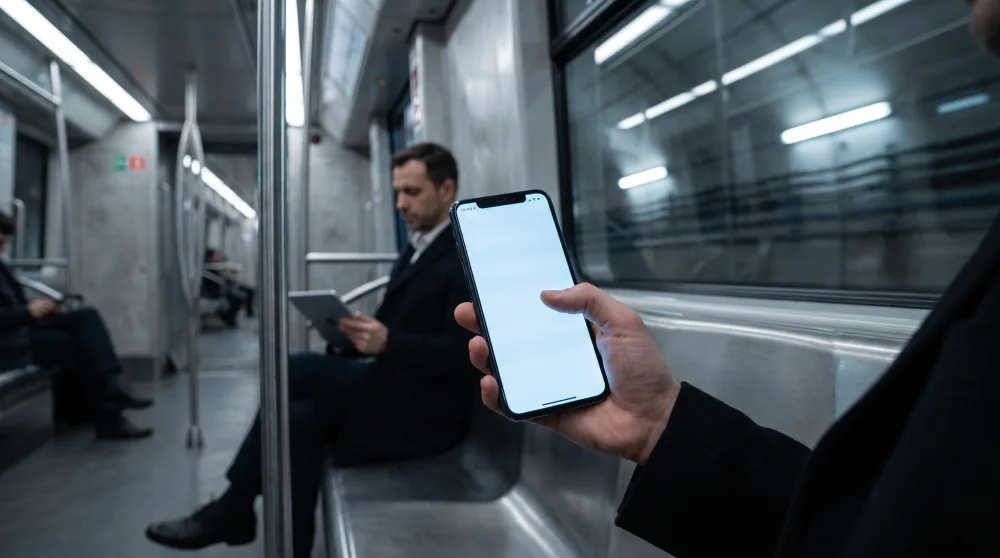
So why does it work in some stations but not others?
Good question. In stations where you do get a signal, there are usually repeater antennas installed inside the station itself. These antennas pick up the external signal and redistribute it within the enclosed space. Some subway lines have signed contracts with carriers to install this infrastructure, which is why you get a signal on the platforms and sometimes even on the trains, depending on the agreement.
The problem is that this coverage tends to be patchy. It works on the platform, disappears in the tunnel between stations, and comes back at the next stop. That explains the maddening behavior where your phone keeps trying to reconnect the whole time, draining your battery and leaving apps stuck in a loading loop. WhatsApp, for example, keeps showing the clock icon next to your message because it can't confirm the message was sent.
Does 5G fix the problem in the subway?
Not necessarily. 5G, which is rolling out to more and more cities, offers much faster speeds out in the open. But the higher frequencies it uses penetrate physical obstacles even less effectively than 4G. In practice, without specific antennas installed inside the tunnels, 5G can actually perform worse than 4G in underground environments.
What actually helps is investment in internal infrastructure. Some of the more modern subway networks around the world already use technology called DAS (Distributed Antenna Systems), which is essentially a network of mini-antennas spread throughout the entire tunnel. In the US, some transit systems have partially adopted this, but full coverage is still far from the norm.
What can you do to stay connected?
Since the infrastructure depends on investment from carriers and transit authorities, the practical solution is largely in your own hands. You can work around most of the problem with a few simple habits.
Download what you need before you get on
If you're going to be on the subway for 40 minutes and want to listen to music, watch a video, or read an article, download it before you board. Spotify and YouTube Music let you download songs and podcasts for offline listening. YouTube Premium supports video downloads. So does Netflix. You can even save articles from news sites for offline reading using apps like Pocket or Instapaper.
It sounds obvious, but a lot of people only think of it once they're already standing on the platform with no signal. Building this habit before you leave home makes a big difference in how your commute feels.
Use airplane mode strategically
When your phone loses signal, it doesn't just sit quietly. It constantly searches for available networks, which burns through your battery fast. If you know you're going to be out of range for 30 minutes no matter what, switching on airplane mode for that stretch saves battery and stops your apps from spinning in a loop trying to load something that's never going to load.
When you get to your destination station, turn airplane mode off, your phone reconnects quickly, and all your messages come through at once. This works especially well if you're a heavy WhatsApp user and don't want to arrive at work with your battery already half gone.
Check if your carrier offers Wi-Fi in the subway
Some subway systems offer free Wi-Fi in stations, funded by carriers or the transit operator itself. Coverage is usually limited to the platforms and corridors rather than the moving trains, but it's enough to send messages and check emails while you're waiting.
It's worth checking your transit system's website or app to see which stations have Wi-Fi. It's a small detail, but it can make a real difference for people who ride every day.
Sync everything before you leave
WhatsApp doesn't sync messages efficiently in the background without a connection. Before you leave home or the office, open the app, let your messages load, and reply to whatever needs a response. The same goes for email and work apps like Slack or Teams. You board the subway fully caught up, and when you get off, you only need to deal with whatever came in during the ride.
Is it worth complaining to your carrier?
Yes, and it actually matters. Carriers track complaints by location to justify infrastructure investment. When you report a signal outage on a specific stretch of the subway, that data goes into an internal system that eventually influences where new antennas get installed.
You can file a complaint directly through your carrier's app or website, or through your country's telecommunications regulator. It won't fix anything overnight, of course, but it does contribute to improvements over the medium term.
One more thing: if signal drops aren't just happening in the subway but also above ground, at home, or at work, the issue might be specific to your plan or your device's antenna. In that case, it's worth calling your carrier and asking for a coverage analysis at your address.
Frequently asked questions
Why won't WhatsApp send messages on the subway even when I have a bar of signal?
That bar of signal means your phone found a network, but it doesn't mean the connection is strong enough to actually transmit data. A weak connection can show up as signal on your screen and still be unable to load anything. WhatsApp needs a stable connection to confirm that a message has been sent.
Will switching carriers fix my signal problem on the subway?
It depends on which line you ride and which carriers have agreements with that transit authority. On some lines, a specific carrier has better coverage because it installed its own antennas there. Before switching plans, it's worth asking coworkers who take the same route which carrier works best on that stretch.
Does a dual-SIM phone help with signal?
Sometimes, yes. If you're using a phone with two SIM cards from different carriers, you can set the one with better coverage on that route as your primary data SIM. Some phones let you switch this manually in just a few seconds in the settings. It's a solid option for anyone who carries both a work and personal SIM.
What to do right now
If the subway is part of your daily routine, it's worth adjusting a few habits starting today. Download your music or podcasts for the week before you leave home. Switch on airplane mode for the longer stretches without signal. Check whether your line has Wi-Fi in the stations. And if the situation is really bad, file a complaint with your carrier or telecom regulator — it only takes a minute and contributes to better coverage down the road. Until the infrastructure catches up with how we actually use our phones, the move is to adapt your digital routine to fit your commute, not the other way around.